Quick Start
The Universal UltimateSensor box can contain different hardware versions. Choose the guide that matches the device in your box.
Choose UltimateSensor v2 OR UltimateSensor Mini v2
Choose UltimateSensor v2 OR UltimateSensor Mini v2 below. Click the photo of your device to open the correct installation guide.
UltimateSensor v2
Choose this guide when your device is the larger regular UltimateSensor v2. It has microphone, speaker, PIR, Ethernet/PoE and standard local wake word support. The housing can be white or black; the installation guide is the same.
| White | Black |
|---|---|
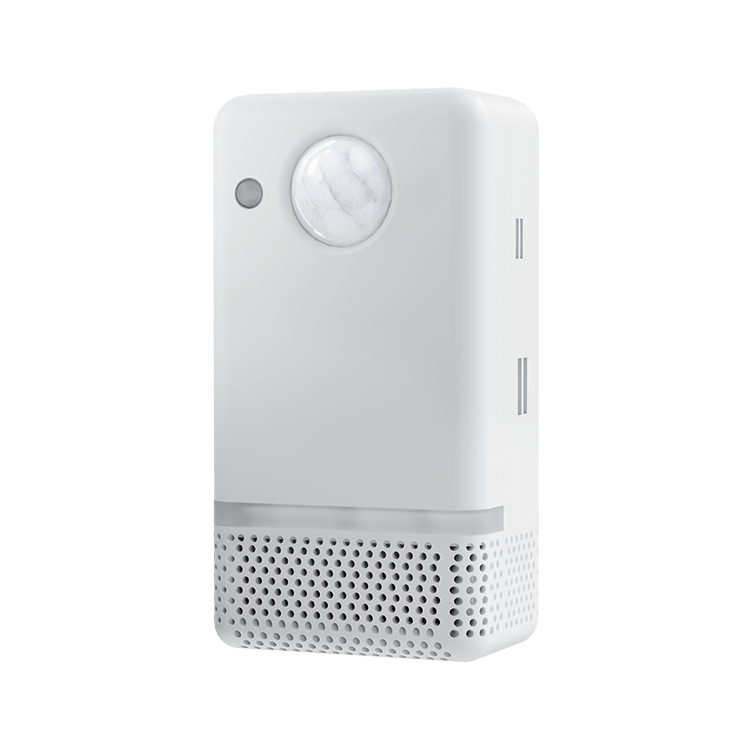 |
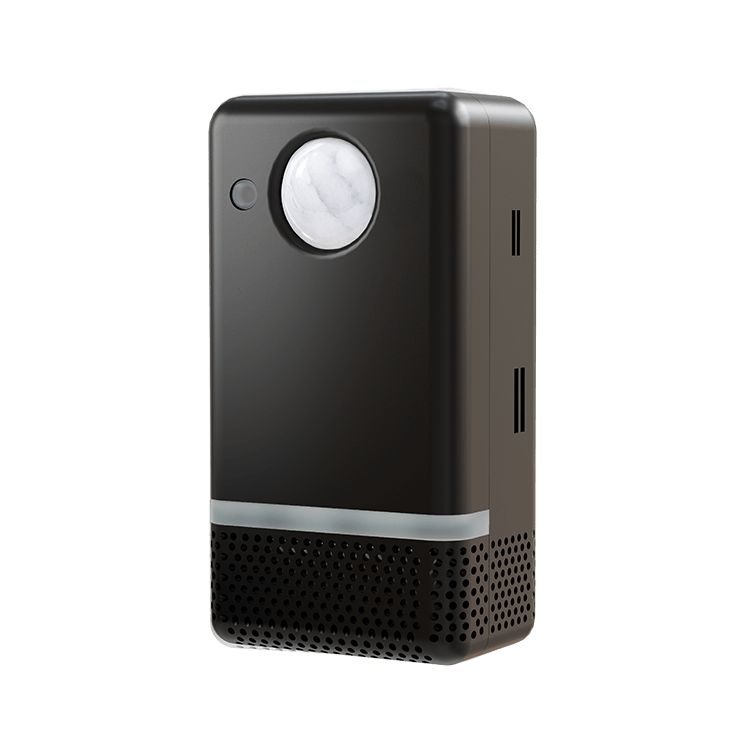 |
Open UltimateSensor v2 installation guide
UltimateSensor Mini v2
Choose this guide when your device is the compact ESP32-C6 Mini v2. It has no microphone, no speaker and no voice-assistant hardware. The housing can be white or black; the installation guide is the same.
| White | Black |
|---|---|
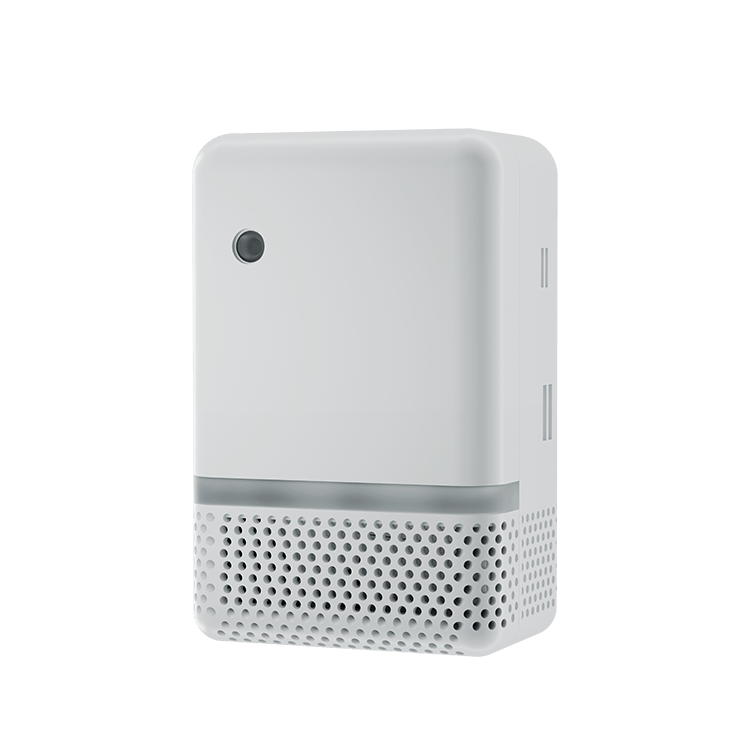 |
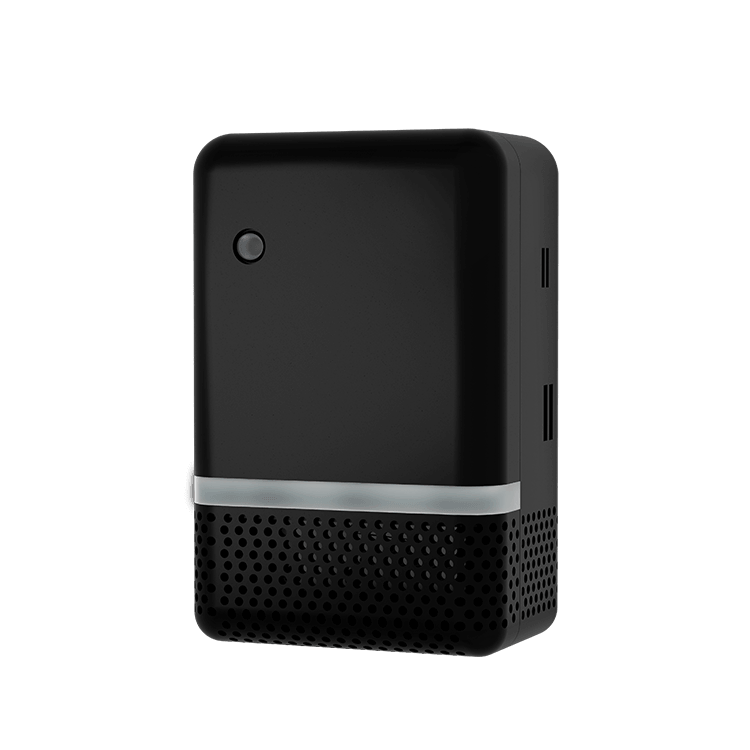 |
Open UltimateSensor Mini v2 installation guide
Older Models
| Device | Use this guide when | Open guide |
|---|---|---|
| UltimateSensor Mini v1 | You have the earlier Mini model with microphone, speaker, media player and voice-assistant support. | Open UltimateSensor Mini v1 installation guide |
| UltimateSensor v1 | You have the older regular UltimateSensor with the earlier ultimatesensor-v1 firmware package. |
Open UltimateSensor v1 documentation |
Quick Identification
- Regular UltimateSensor v2: larger housing, microphone and speaker, PIR motion sensor, Ethernet/PoE support.
- UltimateSensor Mini v2: compact housing, ESP32-C6, WiFi/Ethernet/PoE support, no microphone or speaker.
- UltimateSensor Mini v1: compact Mini with microphone, speaker and media player.
- UltimateSensor v1: older regular UltimateSensor generation with the earlier
ultimatesensor-v1firmware package.
Firmware and Updates
Not Sure Which One You Have?
Check the product name on your order, the hardware label if present, or the entities shown in Home Assistant. If you are not sure, contact support and include a photo of the device and your order number.